Coloring by Numbers. Pixel Art
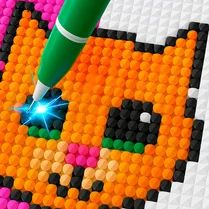
This game turns the simple act of placing colored squares into a meditative journey. You're handed a blank canvas made of tiny cells, each marked with a number that corresponds to a specific color in your palette. As you click or tap through the grid, the picture slowly assembles itself, like a physical paint-by-number kit but in digital form. The process is quiet and focused, drawing you into a soothing rhythm that makes each completed section feel like a small triumph. The satisfaction comes from watching a chaotic field of digits morph into a cohesive, vibrant scene. There are no timers, no penalties, and no pressure—just a gentle challenge that lets you pace yourself. Every finished image is a reward in itself, whether you're doing a relaxing hour of puzzling or squeezing in a few minutes of creative escape. It's a perfect pick for anyone who enjoys coloring books, pixel art, or simply unwinding with a low-stakes task.
 WaffleMath
Common Core State Standards
Every game supports specific Common Core standards. Browse the full standards library.
Practice by Skill
Games by Grade
What is Coloring by Numbers. Pixel Art
Ease into a pixel-by-pixel coloring experience that rewards patience and attention. Each number guides your way, turning empty grids into delightful artwork.
How to Play
Select a color from the palette, then tap or click on the numbered cells that match it. Fill in all the numbered sections to reveal the complete picture.
Tips for Playing
- Start with the largest number group to quickly see progress and get oriented.
- Work in rows or columns to avoid missing any cells with the same number.
- Use the zoom feature if available to handle tiny grids more precisely.
- Don't worry about order—focus on one color at a time for efficiency.
- Take a break if your eyes get tired; the picture isn't going anywhere.
Frequently Asked Questions
Is there a time limit or way to lose?
No, the game is completely relaxed. You can take as long as you like, and there's no fail condition.
Can I play on my phone?
Yes, the game works in any mobile browser with touch controls, so you can color on the go.
What happens if I make a mistake?
You can usually undo your last action, and incorrect colors won't stick if you change them right away.
Are there different difficulty levels?
Yes, you'll find various image sizes and complexity levels, from small easy shapes to large detailed compositions.
How do I know what color goes where?
Each cell has a number that matches a color in your palette. Just pick the same number from the palette.
Will my progress be saved?
Your progress is saved in your browser for each image you start, as long as you don't clear your cookies.
Related Art Coloring Games

 Coloring Noob and Pro
 Coloring by numbers
 Color Pixels - Coloring by Numbers
 Coloring by Numbers. Pixel World
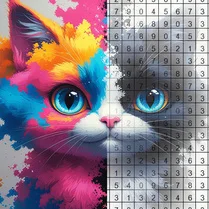 Coloring by numbers: Colored pixel
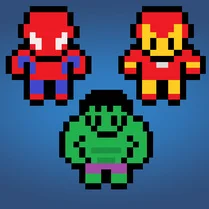 Pictures by Numbers: Superheroes
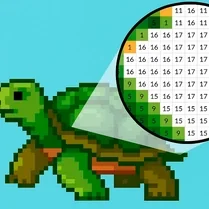 Coloring by Numbers. Pixel House
 Coloring by Numbers. Pixel Room
 Color by numbers: PixPix
 Color Pixels
 Picture by number: Minecraft
 Pixel Alchemy: Color by Number
 Pixel Assembly: Paint by Numbers
 Pixel: Coloring Game for Girls
 PixelCraft: Paint by Numbers!
 Color by Number: Online!
 The best Mine coloring book
 Diamond Painting by Number