Sprunks 3D: Find and Destroy!
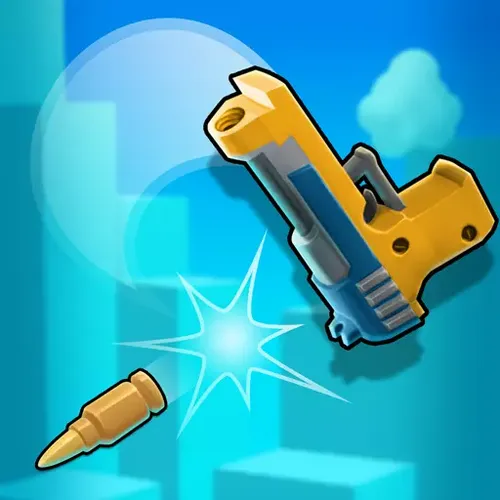
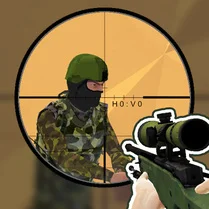
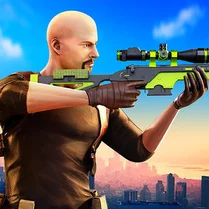
Sprunks 3D: Find and Destroy! drops you into a fully realized three-dimensional world where every corner could hide your next objective. Unlike typical run-and-gun affairs, this game emphasizes careful scanning of your environment, using cover, and planning your approach before engaging. The levels are designed to keep you on your toes, with enemies tucked away in alleys, rooftops, and other hard-to-reach spots, rewarding players who take time to observe their surroundings. As you progress, the challenges escalate, introducing new enemy types that require different tactics to defeat. You'll need to balance aggression with stealth, moving quickly when the moment is right but also knowing when to hold back. The game's responsive controls and crisp visuals make each encounter feel immediate and satisfying, whether you are sneaking up on a lone target or facing a squad head-on. With a variety of missions and environments, Sprunks 3D offers a fresh take on the action genre that will keep you coming back for more.
 WaffleMath
Common Core State Standards
Every game supports specific Common Core standards. Browse the full standards library.
Practice by Skill
Games by Grade
What is Sprunks 3D: Find and Destroy!
Hunt down your targets in a vibrant 3D world where every mission is a new puzzle. With sharp reflexes and a keen eye, you'll navigate dynamic levels to complete your objectives.
How to Play
Use the on-screen controls to move your character (WASD on PC, or virtual joystick on mobile) and aim with the mouse or touch. Locate highlighted targets, eliminate them with your weapon, and avoid taking damage from enemies.
Tips for Playing
- Scan each area thoroughly before moving forward to spot hidden enemies.
- Use objects in the environment for cover to reduce incoming fire.
- Save your strongest weapons for tougher targets or groups of enemies.
- Keep moving to make yourself a harder target for enemies.
- If you get stuck, try approaching a level from a different direction to find alternate paths.
Frequently Asked Questions
What platforms can I play Sprunks 3D on?
Sprunks 3D is designed for web browsers, so you can play it on any device with a modern browser, including PCs, Macs, and mobile devices.
Is there a story mode or just individual levels?
The game consists of a series of missions, each with its own objectives and setting. While there is not a deep narrative, the progression of missions provides a sense of purpose and challenge.
How do I reset my progress?
Most browser games save progress locally. You can usually clear your browser's cache or use the game's settings to reset, if available.
Can I play with friends?
Sprunks 3D is a single-player experience, so there is no multiplayer mode. However, you can take turns with friends to compare scores or completion times.
What should I do if the game runs slowly?
Try closing other tabs or programs to free up resources. You can also adjust the graphical settings in the game if available, or ensure your browser is updated.
Are there different difficulty levels?
The game gradually increases in difficulty as you advance through missions. Some versions may offer difficulty settings, so check the main menu if you want a harder or easier challenge.