Up To The Hill
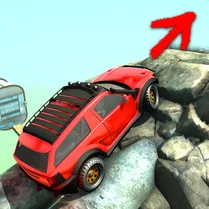
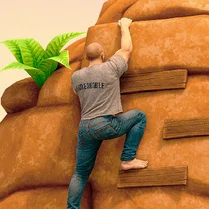
Up To The Hill is a physics-driven climbing game that puts your timing and spatial awareness to the test. Each ascent presents a fresh series of hurdles, from slippery inclines to unstable rock formations, forcing you to carefully judge every move. The game's minimalist visuals keep your focus on the task at hand: getting your character to the top of the hill without a misstep. As you progress, the difficulty ramps up, introducing new mechanics that demand even greater precision. It's a satisfying loop of trial and error where each successful climb feels earned.
 WaffleMath
Common Core State Standards
Every game supports specific Common Core standards. Browse the full standards library.
Practice by Skill
Games by Grade
What is Up To The Hill
Take on the challenge of scaling treacherous slopes in Up To The Hill. With simple controls and tricky terrain, every climb is a test of patience and skill.
How to Play
Use the arrow keys or on-screen buttons to move your climber left or right, and press the jump button to leap over gaps and onto ledges. Time your jumps carefully to clear obstacles and avoid falling.
Tips for Playing
- Watch the terrain before you jump; a quick glance ahead can save you from a pitfall.
- Short, controlled jumps are often safer than long leaps when landing on narrow ledges.
- Use the momentum of a slope to your advantage, but be ready to brake before a cliff.
- Patience is key—rushing into a jump often leads to a fall.
- If you get stuck, try a different jump angle; some obstacles have hidden footholds.
Frequently Asked Questions
What is the main objective in Up To The Hill?
The goal is to reach the top of each hill without falling. Traverse the terrain, avoid obstacles, and make it to the summit.
How do I control the climber?
Use the keyboard (usually arrow keys or A/D) to move horizontally and a jump key (like Space) to leap. The controls are simple and responsive.
Is there a way to save my progress?
Progress is typically saved automatically after each successful climb, so you can pick up where you left off.
What happens if I fall?
If you fall off the hill, you'll have to restart the current attempt from the beginning of that level. Just try again quickly.
Are there different difficulty levels?
The game gradually increases in difficulty as you advance, introducing more complex obstacles and requiring better precision.
Can I play this on my phone?
Yes, the game is designed to work on both desktop and mobile browsers, with touch controls available on mobile devices.