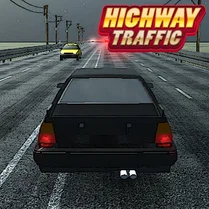
Turbo Traffic
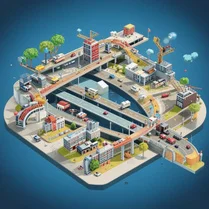
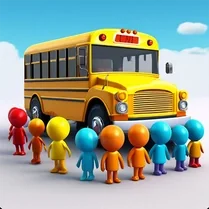
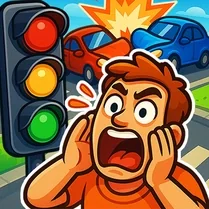
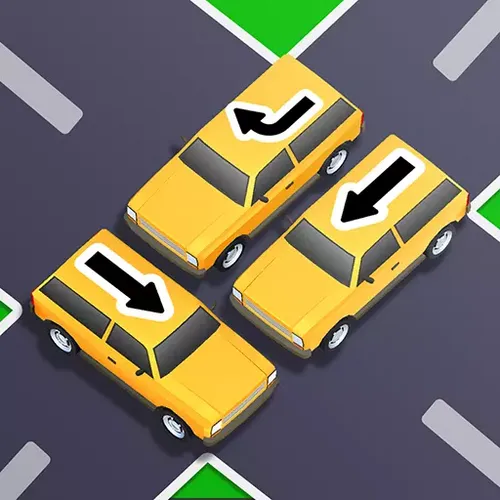
Turbo Traffic drops you into the middle of busy road networks where cars, buses, and trucks arrive from all directions. Your job is to prevent gridlock and collisions by controlling traffic lights and lane directions. Every intersection demands quick thinking, as a moment's hesitation can cause a pile-up that backs up the entire map. The game starts with a single crossing, but soon expands into complex interchanges with multiple entry points and unpredictable vehicle behavior. As you advance, new vehicle types and weather conditions test your reflexes. Rain slows down stopping distances, while ambulances need priority passage. Each level presents a fresh layout, so memorization won't save you—only strategic decisions will. With a clean visual style and intuitive controls, Turbo Traffic offers a satisfying blend of logic and speed. Whether you have five minutes or an hour, this game delivers a mental workout that keeps you coming back for more.
 WaffleMath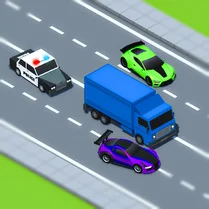
Common Core State Standards
Every game supports specific Common Core standards. Browse the full standards library.
Practice by Skill
Games by Grade
What is Turbo Traffic
You've just been hired as the city's traffic controller. Every light change and lane switch you make determines whether the streets flow smoothly or spiral into chaos.
How to Play
Click or tap on traffic signals to switch their color, and use lane toggles to redirect vehicles strategically. Monitor incoming traffic, prioritize emergency vehicles, and keep the roads flowing to score points.
Tips for Playing
- Plan your signal changes ahead of time, not just when vehicles approach.
- Let left-turning vehicles clear before allowing cross traffic to proceed.
- Watch for emergency vehicles and grant them a clear path immediately.
- Avoid constant switching; steady green phases move more cars per minute.
- Use the pause between vehicle batches to set up future light cycles.
Frequently Asked Questions
How do I control the traffic lights?
Simply click or tap on a light to toggle it. You can also use lane switches to direct vehicles into specific lanes.
What happens if cars crash?
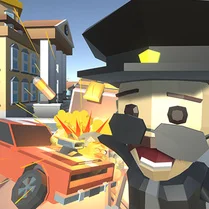
A collision deducts points and may block the road, causing further delays. You'll need to clear the wreckage quickly by directing vehicles around it.
Are there different levels or just one endless mode?
Turbo Traffic features a series of hand-crafted levels with increasing complexity, plus an endless mode for practice and high-score chasing.
What causes a level to end?
Levels end when you fail to maintain a certain flow rate or after a set number of collisions. Some also have time limits that add pressure.
Can I slow down the game speed?
Yes, there is a speed setting in the options menu. Slower speeds help you learn new layouts, while higher speeds offer a greater challenge.