Mad Shark
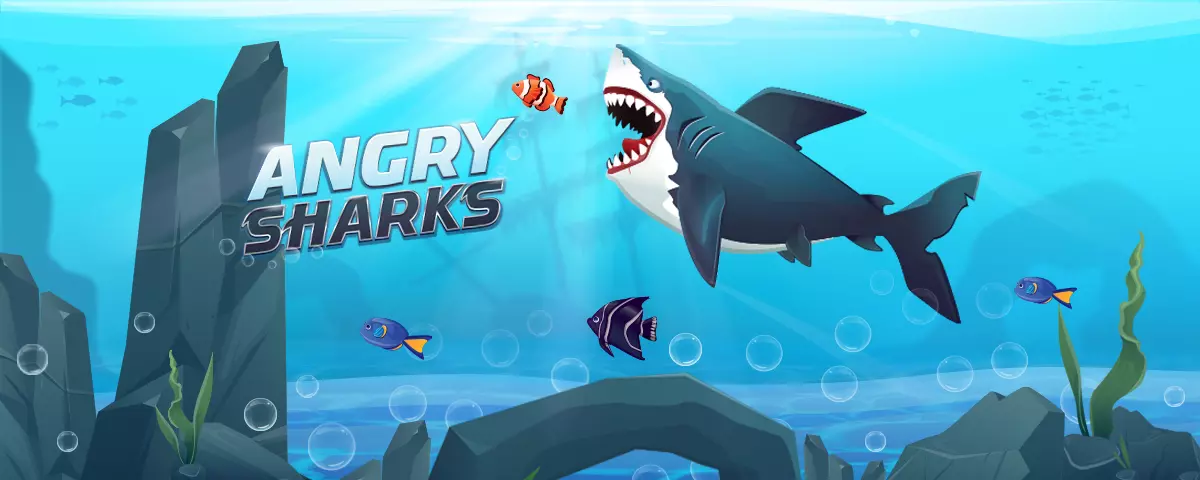
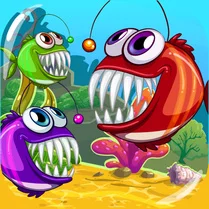
Mad Shark drops you into the deep blue with one goal: eat. This arcade romp turns the ocean into a buffet where every bite makes your shark bigger and more formidable. The catch? The waters are littered with dangers—explosive mines, tangled nets, and creatures that won't hesitate to turn the tables. As you grow, the stakes climb, and each level demands sharper reflexes to keep the feast going. The game's charm lies in its chaotic simplicity. You'll dart through waves, snap up fish, and even take down boats and swimmers to fuel your growth. But mind the hazards—one wrong move against a mine or a larger predator can end your run in an instant. With escalating challenges and a fast pace, every session becomes a test of survival and appetite.
 WaffleMath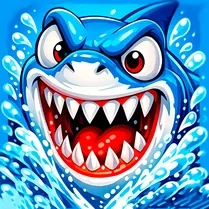
Common Core State Standards
Every game supports specific Common Core standards. Browse the full standards library.
Practice by Skill
Games by Grade
What is Mad Shark
Mad Shark is a frantic arcade dash through the deep, where eating is survival and danger lurks around every coral. Ready your jaws for a feeding frenzy like no other.
How to Play
Move your shark using the arrow keys or mouse to chase prey and dodge obstacles. Devour smaller targets to grow, but avoid mines, nets, and larger predators that can end your run.
Tips for Playing
- Prioritize food chains—eat fish first to grow before tackling bigger targets.
- Keep an eye on the edges; mines often cluster near obstacles.
- Use quick direction changes to shake off larger predators.
- Memorize patrol patterns of nets to find safe passages.
- Don't get greedy—sometimes it's better to retreat than risk a deadly collision.
Frequently Asked Questions
How do I become bigger in Mad Shark?
You grow by eating fish, boats, and swimmers. The more you consume, the larger your shark becomes, allowing you to take on tougher prey.
What happens if I hit a mine?
Hitting a mine causes an explosion that can instantly end your game, so it's best to avoid them at all costs.
Are there any power-ups in the game?
Yes, the game includes power-ups like speed boosts and shields that appear occasionally. Grab them to gain temporary advantages.
Can I control the shark with the mouse?
Yes, you can switch between keyboard and mouse controls. Use whichever feels more comfortable for precise movement.
Why did my shark shrink after eating something?
Some food items might be poisoned or cause a temporary shrink effect. Pay attention to the color and shape of prey to avoid negative effects.
Is there a way to pause the game?
Yes, you can press the pause button or the Escape key to take a break. The game will stop, and you can resume later.