Draw Noob and Pro!
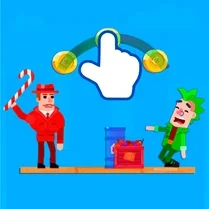
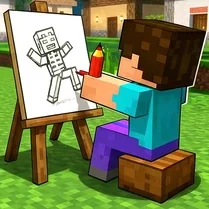
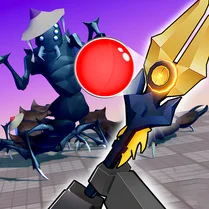
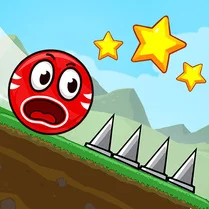
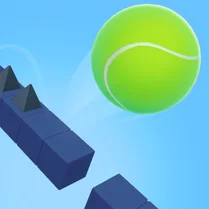
Draw Noob and Pro! turns your mouse into a magic marker that shapes the world around a lively bouncing ball. Each level presents a new obstacle course, where spikes, gaps, and moving platforms stand between the ball and the finish line. Your task is to sketch clever lines that act as walls, slides, and bridges, guiding the ball along a safe path while accounting for its natural bounce and momentum. It’s a satisfying blend of quick thinking and precise drawing that rewards creative solutions. The game grows more complex as you progress, with levels that test your ability to anticipate the ball’s trajectory and adjust your drawings on the fly. Some stages might require a simple ramp to redirect the ball, while others need a series of carefully placed lines to navigate a maze of hazards. With its intuitive controls and endless replayability, Draw Noob and Pro! offers a relaxing yet mentally engaging experience for players of all skill levels.
 WaffleMath
Common Core State Standards
Every game supports specific Common Core standards. Browse the full standards library.
Practice by Skill
Games by Grade
What is Draw Noob and Pro!
Imagine having a pen that can alter the environment instantly. That’s the core of Draw Noob and Pro!, where your drawn lines become tools to solve physics-based puzzles.
How to Play
Click and drag your mouse or finger across the screen to draw lines that interact with the bouncing ball. Your objective is to channel the ball safely to the level’s goal without hitting obstacles.
Tips for Playing
- Draw short, gentle slopes to slow the ball down before sharp turns.
- Anticipate where the ball will land after a bounce and sketch a barrier there.
- Use long horizontal lines to create stable platforms for the ball to rest on.
- Watch the ball’s speed closely; you may need to redraw lines quickly if the path changes.
- Don’t overcomplicate your design—sometimes a single well-placed line does the job.
Frequently Asked Questions
How do I draw lines in Draw Noob and Pro!?
You draw by clicking and holding your mouse (or dragging your finger) and moving it across the play area. Release to finalize the line.
Can I undo a drawing if I make a mistake?
Yes, most versions allow you to clear your drawings or undo the last line. Look for an undo button or icon on the screen.
What happens if the ball touches a hazard?
Touching a hazard like a spike will cause the ball to burst, and you’ll need to restart the level from the beginning.
Is there a time limit for each level?
No, you can take as much time as you need to plan and draw your path. Rushing can lead to mistakes, so think before you sketch.
Can I play Draw Noob and Pro! on a mobile device?
Yes, the game is designed to work with touch controls, so you can play it on phones and tablets just by dragging your finger.