Add it up: Buttons in 2048!
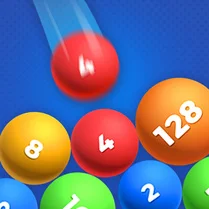
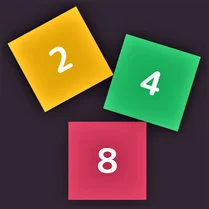
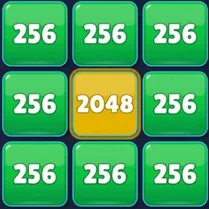
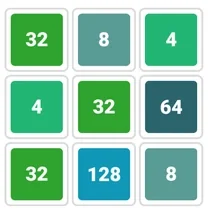
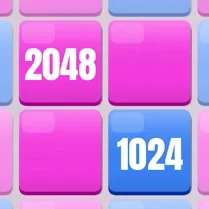
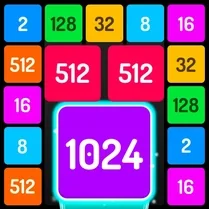
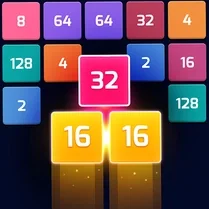
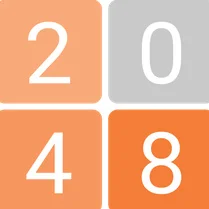
Add it up: Buttons in 2048! turns the familiar grid-sliding concept into a tactile puzzle session. Instead of plain tiles, you're nudging chunky buttons around a 4x4 board, trying to land matching digits on top of each other so they combine and double. It's a simple premise at first, but the real meat is in the planning: each move shifts every button in the same direction, so you have to think a few steps ahead to line up your merges without getting stuck. As the board starts to fill up, the decisions get tighter. You'll need to balance between chasing the next 2048 goal and keeping space for future moves. It's a workout for your brain—quick arithmetic meets strategic foresight. The clean, button-styled visuals keep the focus on the numbers, making it easy to pick up yet surprisingly hard to put down.
 WaffleMath
Common Core State Standards
Every game supports specific Common Core standards. Browse the full standards library.
Practice by Skill
Games by Grade
What is Add it up: Buttons in 2048!
A fresh take on number-merging puzzles, this game swaps tiles for buttons and adds a layer of tactical planning. Swipe, combine, and work your way toward the 2048 masterpiece.
How to Play
Use arrow keys or swipe gestures to slide all buttons in a chosen direction. When two buttons with the same number collide, they merge into one with the doubled value.
Tips for Playing
- Keep your largest button in a corner to reduce the chance of it getting boxed in.
- Avoid moving all buttons in multiple directions too often; stick to two or three consistent paths.
- Plan several moves ahead so you don't accidentally split matching pairs.
- When a row is nearly full, clear it before making side moves to create more breathing room.
- Practice mental addition to spot merge opportunities quickly.
Frequently Asked Questions
What happens when the board runs out of empty spaces?
When every cell is occupied and no more moves are possible, the game is over. You'll see your final score and can restart for another attempt.
Can I undo a move if I make a mistake?
Most versions don't include an undo feature, so you need to think carefully before swiping. Some built-in practice modes might have one, but typically it's a no-undo challenge.
Is there a time limit or a move limit?
No, you can take as long as you want between moves. The only pressure is the state of the board itself—fewer moves and space become precious.
What is the highest button I can reach?
The ultimate target is 2048, but you can often go beyond that if you keep merging higher values like 4096 or 8192. The game counts wins based on reaching 2048, but the sky's the limit for hardcore players.
Does the game work on mobile devices?
Yes, it's designed to work with both touch swipes and keyboard arrows, so you can play on smartphones, tablets, or desktops without any setup.
Are there any special power-ups or boosters?
No, this version keeps the pure puzzle experience without power-ups. It's all about your own strategy and number sense.